
Cómo funcionan las Tarjetas Regalo

Introduce el monto
Selecciona o ingresa el monto que deseas que tenga la tarjeta.

Pay with any payment method
Tu pago se confirma en el mismo minuto en la mayoría de los casos.

¡Eso es todo, listo para usar!
Canjea tu tarjeta en el negocio elegido, de acuerdo con sus instrucciones.
Tarjetas regalo similares que te encantarán
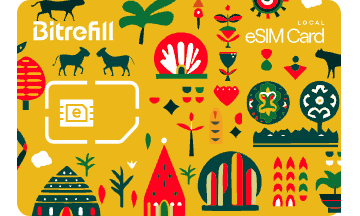
Bitrefill eSIM Mali
1GB, 7 días - 20 GB, 30 días

Orange
100 XOF - 100000 XOF

Agotado
Bitrefill Gift Card (USD)
$20 - $500

Malitel
115.5 XOF - 5742 XOF