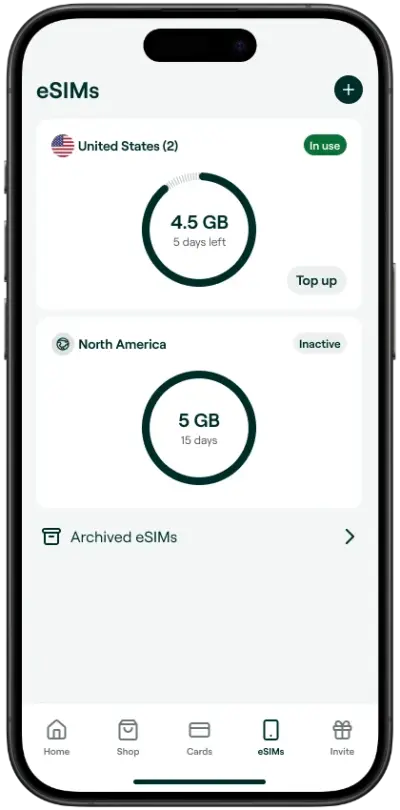
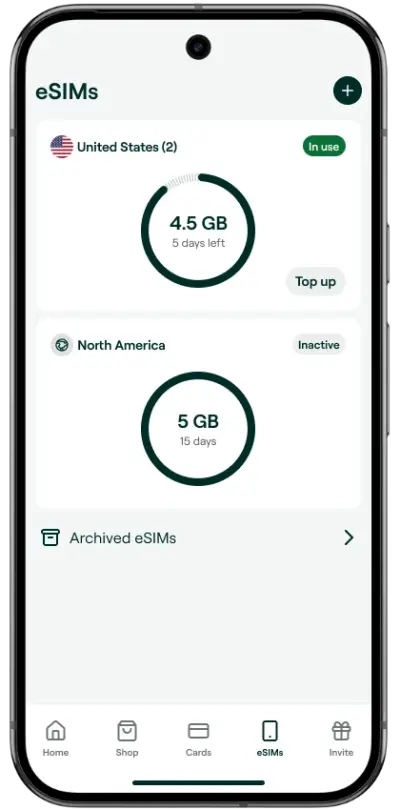
Instant Data, Zero Hassle.
Buy an eSIM for any country in seconds. No stores, no SIM swaps.
Not sure yet? Browse all destinations
Pay with crypto
Instant activation
Privacy by design
24/7 human support


Get your eSIM now, starting is easy
Pick your plan. Get your code instantly. On screen and in your email.
Scan the QR code or enter manually. Follow the prompts and name your plan to complete installation. Installation guide
Enjoy your data. Turn on roaming and select your eSIM as cellular data. Connects automatically in the coverage area.
Make sure your device is eSIM-ready
Most modern smartphones support eSIMs, including iPhone XS and newer, Samsung Galaxy S20+, Google Pixel 3+, and many others.
Check your deviceGot questions? We've got answers
Check out our Knowledge Base page for more FAQs
eSIMs are compatible with many devices but not all devices. To check if you can use eSIMs on your device, please have a look at our
To install the eSIM, a stable internet connection is necessary. You can install your eSIM with QR Code or manually. You can download our installation guide here. Consider setting up the eSIM before traveling abroad.
Some devices allow you to install multiple eSIMs, the number of active eSIMs at the same time can vary depending on the device model. You can continue using your regular SIM card while using an eSIM.
At this time, Bitrefill eSIMS do not come with a phone number and are a Data-only plan. You can keep your personal number for WhatsApp and similar apps that use a data connection.
You’ll find that our eSIM expires at different times. We recommend that you choose the plan that corresponds best to your needs. You will receive a reminder via email and text prior to expiration.
You can check your data usage on your order page. We will keep you updated about your data plan usage via email and text.
You can share your eSIMs data with multiple devices by creating a personal hotspot. On iOS, you can do this under the “Personal Hotspot” menu and on Android, you can do this under the “Wi-fi hotspot” settings.